


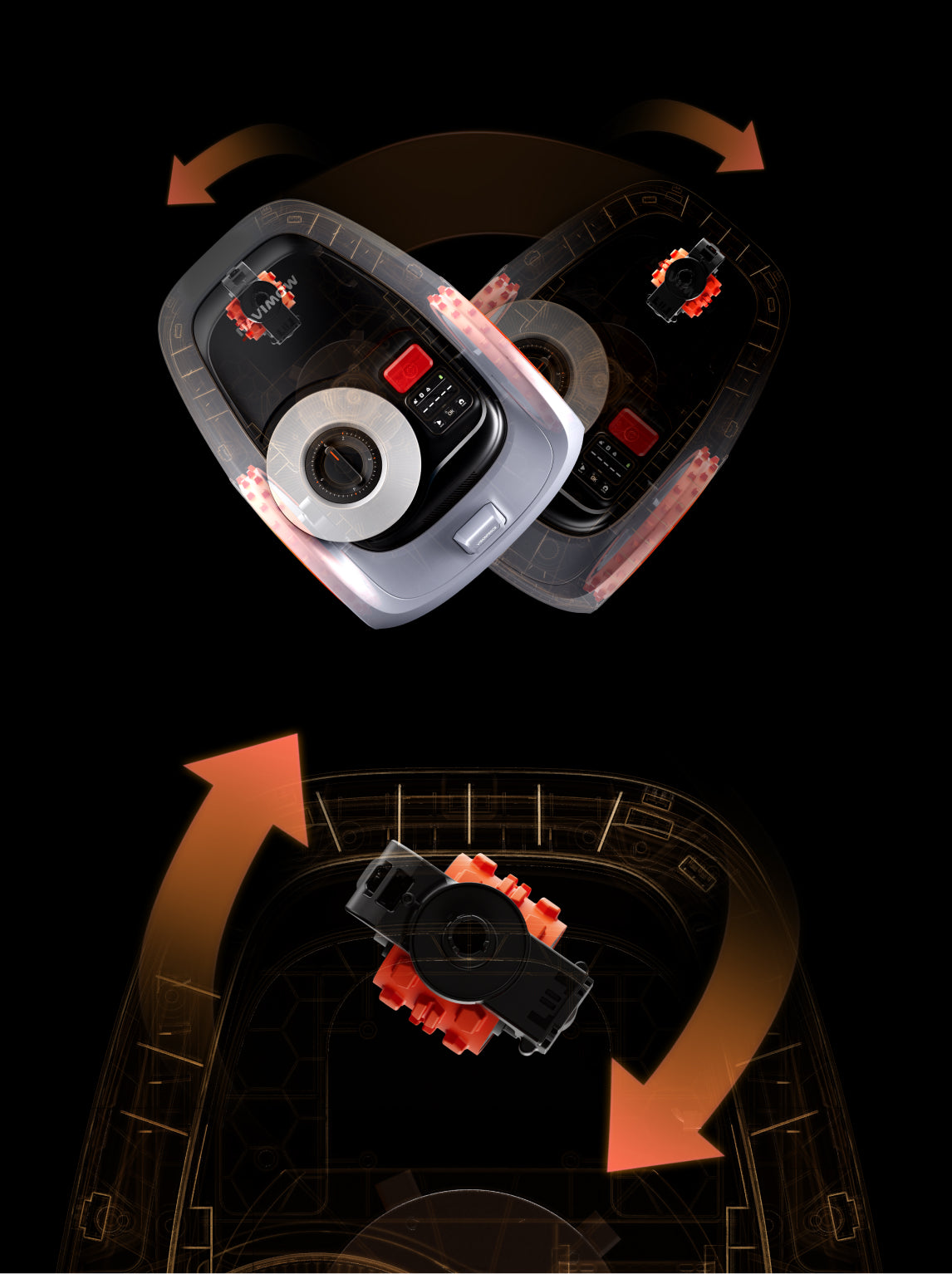
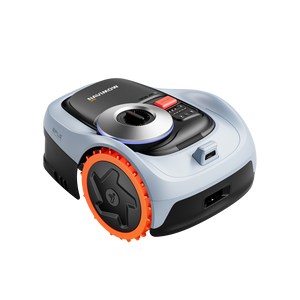
No, they are not compatible. A quick way to tell them apart is to check the bottom of the GNSS antenna: the i2 AWD version has two small bumps, while the i1 version has only one.
Choose an open, flat area with a clear sky view. Avoid walls, fences, or trees that block GPS signals.
Make sure your lawn is clean and flat and cut your lawn to a height of no more than 6 cm (3.6 inches for US and Canada) before setup. Make sure children and pets are off the lawn.
Place it on level ground with at least 2 meters of free space in front. Connect it to a safe outdoor power outlet.
Download the Navimow App, log in, and follow the setup steps to pair via Bluetooth.
Yes, the VisionFence camera functions during nighttime mowing. However, its obstacle avoidance performance may be reduced due to lower light conditions. If your lawn has many obstacles, it is recommended to mow during the daytime or set those obstacles as off-limit islands for better results.
Yes, the requirements remain the same. In NRTK mode, if the mower loses connection with the charging station for an extended period, errors such as 4208 may occur, interrupting mowing tasks.
Both counterclockwise and clockwise mapping are supported. The direction Navimow i2 AWD follows for edge mowing along the boundary depends on the direction chosen when the boundary was created.
Yes, acorns or other tree seeds stuck between the wheels and fender can overload the Navimow i2 AWD, wear down the blades, and reduce their lifespan. To prevent potential damage, periodically inspect the area where the mower will be used and remove stones, sticks, wires, nuts, and other foreign objects.
No. The adapters are not compatible, and we do not recommend using adapters from other models.
You can check maintenance and replacement recommendations for the blades and other components in the app by going to Settings > MOWER > Part Maintenance.
"1.Reinstall the App and Restart the Mower
Uninstall and reinstall the Navimow app, then restart the Navimow i2 AWD to refresh the system.
2.Contact Support if the Issue Persists
If the problem continues, email support-navimow@rlm.segway.com(for EU users) and navimowsupport-us@rlm.segway.com (for US users) for assistance."
After - Sales Support
Email: navimowsupport-us@rlm.segway.com
TEL: +18339131131 Mon.-Fri.09:00-18:00(ET)