


Segway Navimow Robot Lawn Mowers

 30-Day Price Guarantee
 Free Shipping Over $99
 30-day Return Policy
 3-year Warranty


Labor Day Exclusive Deals
Limited-Time Savings — Save Up To $250

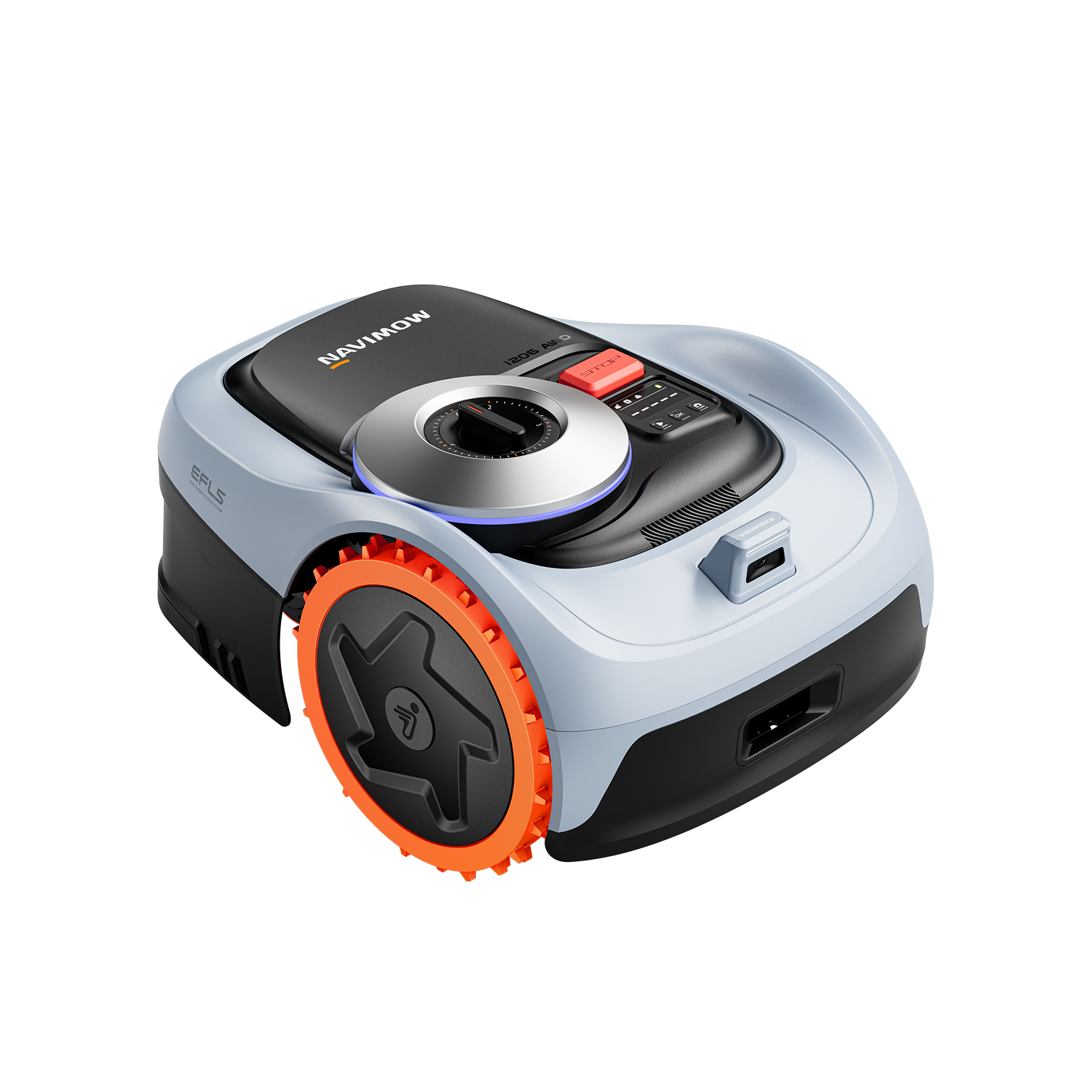
Navimow i2 AWD
The Only AWD Robotic Mower for Mid-to-Small Yards.

Earn 2 Points per $1

Upgrade Your Lawn This Weekend


Flagship Mower for Small Lawns

Save Up To $311
- Ultra-precise mowing with RTK & Vision
- Accurately identifies and avoids 150+ obstacles
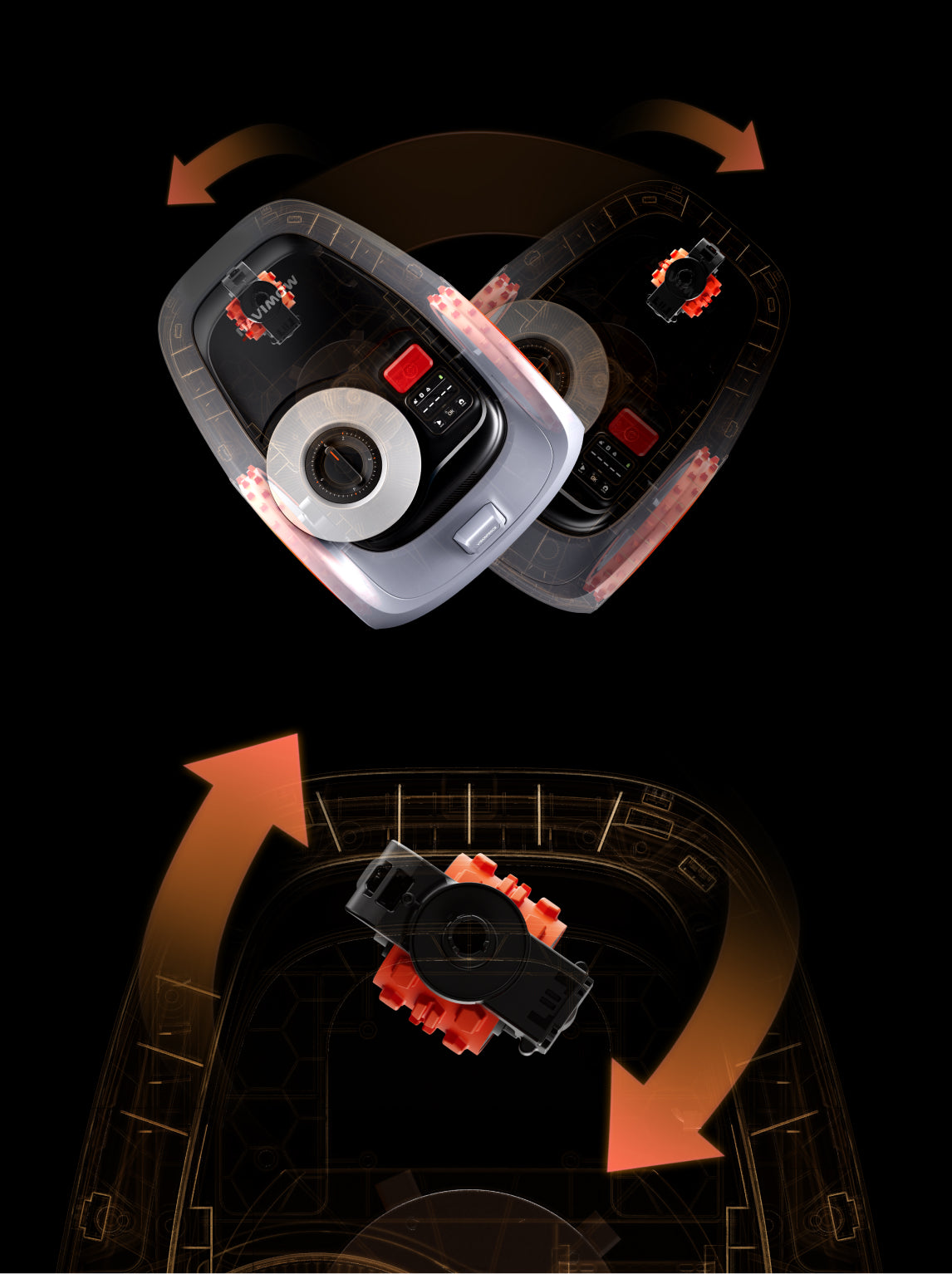
- Unparalleled stability across 5 common complex terrains
- Intuitive design for enhanced user experience
Everyday Lawn Care Bundles
Keep your mower protected and performing at its best

Navimow Daily Care Bundle
Buy 2 Blade Assembly Plus, Get 1 Free
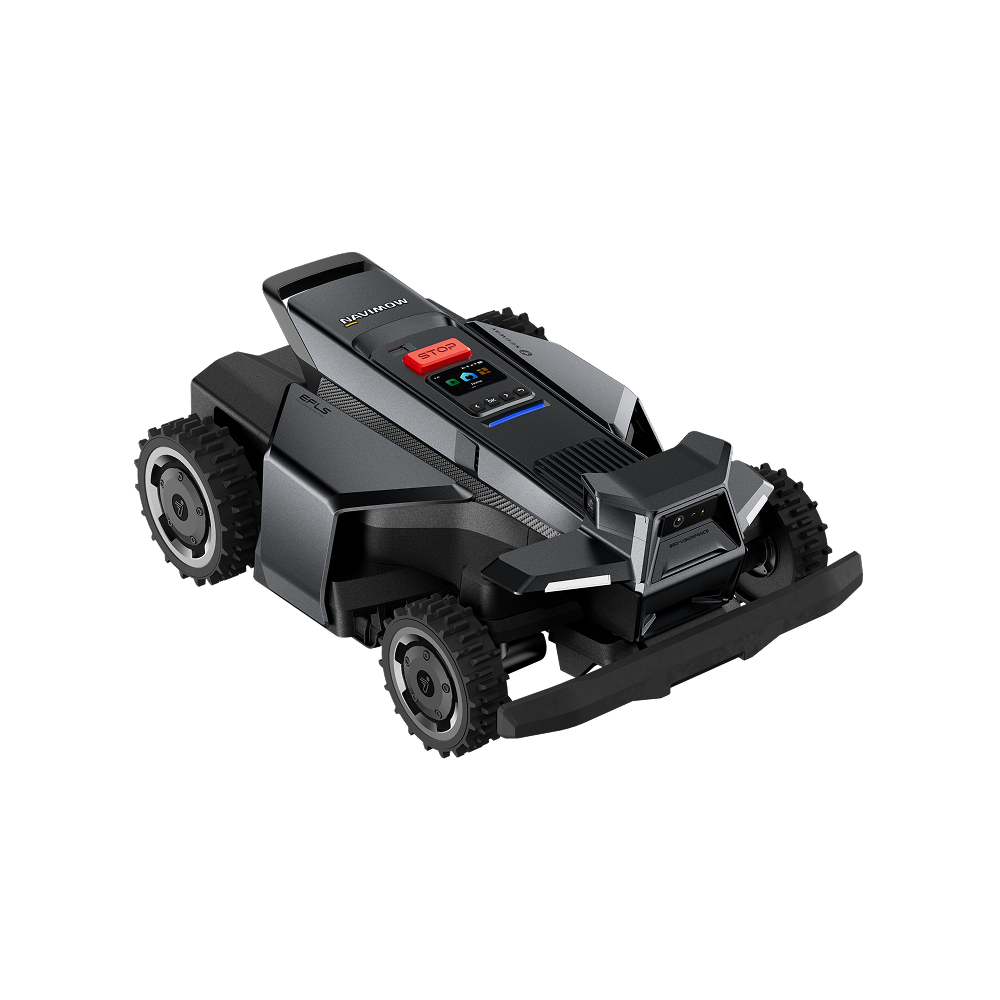
Navimow X430 | 1.0 acre
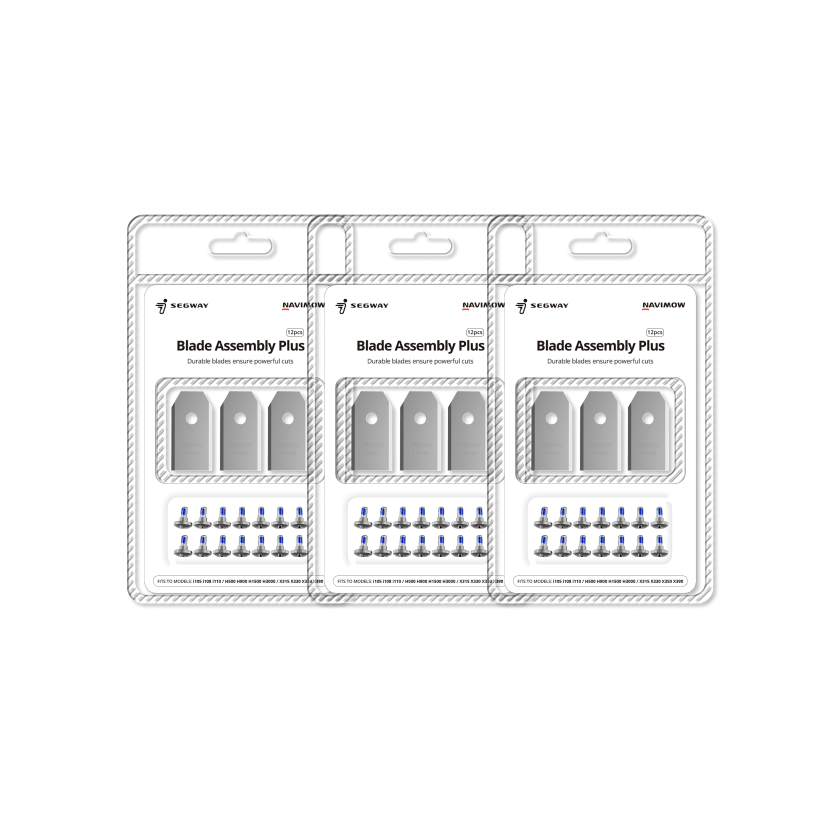
Blade Assembly Plus (3 Pack)

Navimow Daily Care Bundle
Buy 2 Blade Assembly Plus, Get 1 FREE
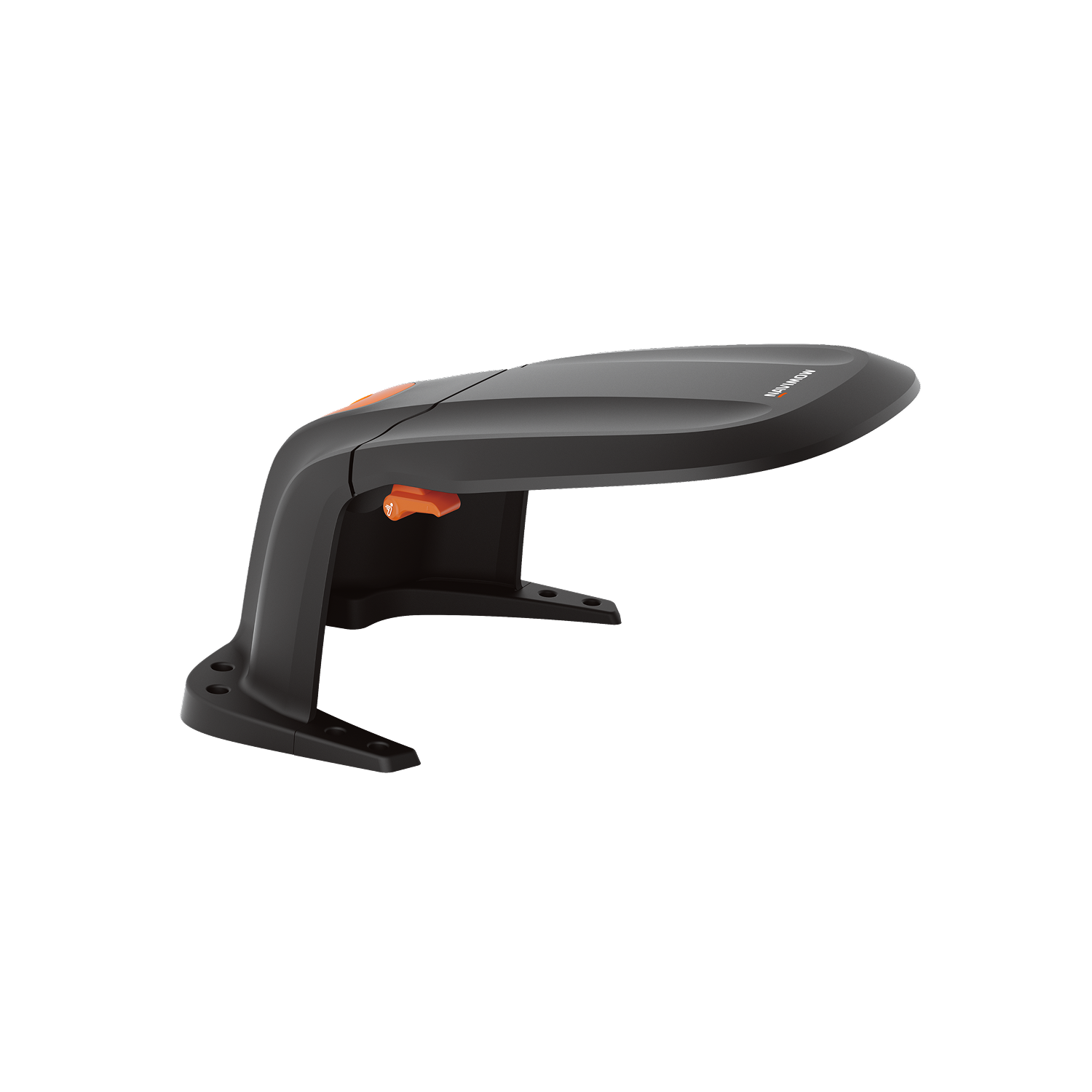
Navimow Garage S
Blade Assembly Plus (3 Pack)
More Ways to Save


Check Out What the Pros Are Saying


June 29, 2026


June 24, 2026

June 24, 2026

June 21, 2026


April 26, 2026


April 10, 2026
Why Shop With Navimow Store


The World’s No. 1 Brand
of Wire-Free Robotic Mowers*

Free Shipping Over $99
Home delivery within 3-5 days.

Join Navimow Reward Program
$1 spent = 1 point earned

30-day Return Policy
Hassle-free shopping

Customer Support
Problem-solving online support

3-year Warranty
Guranteed service

Secured Payment
Quick, easy and safe payment
Data source: Euromonitor International. Measured by total brand retail sales volume (in units) in 2024 and 2025; research conducted in March 2026. Wire-free robotic lawn mowers are defined as robotic lawn mowers for residential or commercial use that operate without a physical boundary wire, using technologies such as UWB, virtual boundaries, RTK, or 3D LiDAR. These products are typically identified through product names or packaging claims.
Sponsor and Organizer: The Navimow US Labor Day Deals Campaign (the "Campaign") is sponsored and organized by Navimow Inc. (“Navimow” or “Sponsor”).
- BINDING AGREEMENT
By participating in any part of the Campaign—you (“Participant” or "Customer") acknowledge that you have read, understood, and expressly agree to be bound by these Official Terms and Conditions (the "Agreement"), as well as all applicable federal, state, and local laws and regulations.
- GENERAL ELIGIBILITY AND CAMPAIGN PERIOD
- 2.1 Campaign Period. The Campaign commences on August 21st, 2026, at 12:00 AM Pacific Daylight Time ("PDT") and concludes on September 9th, 2026, at 11:59 PM PDT (the "Campaign Period"), as determined by the Sponsor’s official website database clock.
- 2.2 Eligibility Criteria.(1) Age & Residency: Open only to legal residents of the United States who are at least eighteen (18) years of age or the age of majority in their jurisdiction of residence at the time of entry/purchase.(2) Territory and Address: Territorial Restrictions. The Sweepstakes is not eligible for residents in the State of New York, the State of Florida and the Rhode Island.Shipping address restrictions. Offers are valid strictly for deliveries within the continental United States (excluding Alaska, Hawaii, and all overseas territories/protectorates). The delivery address must be within geographic areas serviced by FedEx (“Federal Express Corporation”) at standard domestic ground delivery rates. No P.O. Boxes, USPS drop boxes, FedEx drop boxes, or military/restricted addresses (APO/FPO/DPO) are permitted. Address availability is subject to final system verification before checkout.(3) Exclusion: Employees, officers, and directors of Sponsor, its parent company, subsidiaries, affiliates, authorized distributors, and immediate family members (defined as spouse, parent, child, sibling, and their respective spouses) or persons living in the same household are not eligible to participate.
- 3.1 Promotional Pricing Mechanics. (1) Percentage and Direct Discounts. From August 21st 2026 at 12:00 PDT to August 26th 2026 at 11:59 PM PDT: • Navimow i215 LiDAR: $200 OFF standard MSRP. From August 21st 2026 at 12:00 PDT to Sebtember 2nd 2026 at 11:59 PM PDT: • Navimow i105 : $130 OFF standard MSRP.• Navimow i110: $311 OFF standard MSRP. From August 27th 2026 at 12:00 PDT to September 9th 2026 at 11:59 PM PDT :• Navimow i206 AWD: $100 OFF standard MSRP.• Navimow i210 AWD: $150 OFF standard MSRP.• Navimow X430: $250 OFF standard MSRP.• Navimow X450: $300 OFF standard MSRP.(2) Bundle Discounts. • X430/X450/i206 AWD /i210 AWD Model Bundle:From August 27th 2026 at 12:00 PDT to September 9th 2026 at 11:59 PM PDT Purchase one (1) Blade Assembly Plus (3-Pack) with a qualifying Navimow X430, X450, i206 AWD, or i210 AWD model and receive a $23.97 discount on the Blade Assembly Plus (3-Pack). Offer is valid during the promotional period and while supplies last. Other restrictions may apply.Bundle discounts are applied directly to the purchase price at checkout and are available only when the eligible mower and garage are purchased together as a qualifying bundle.
- 3.2 Bundle Returns & Refunds. All transactions remain subject to Navimow's standard Refund Policy. For orders purchased as a promotional bundle, the mower and garage are sold together at a discounted bundle price. If a Customer requests a partial return or refund for only one item included in a promotional bundle, Navimow reserves the right to recalculate the applicable promotional discount and adjust the refund amount accordingly. To qualify for a full refund of a promotional bundle purchase, all products included in the bundle must be returned in accordance with Navimow's Refund Policy.
- 3.3 30-Day Price Match Guarantee Policy.(1) Scope: Customers who execute a purchase under this Campaign are entitled to a 30-day price match guarantee starting from the actual date of transaction settlement.(2) Execution: If the exact same model configuration is offered at a lower net price on the official Navimow US online store within thirty (30) days from the initial purchase date, the Customer may request a partial refund equivalent to the net price difference.(3) Exclusions: This guarantee applies strictly to the live, baseline net price posted on Navimow's official US DTC site. It completely excludes price matches against third-party retailers, unauthorized resellers, refurbished/open-box clearance items, flash sales, error pricing, or pricing resulting from individual loyalty/referral coupons. Approved adjustments will be remitted solely back to the original payment channel.
- 3.4 Pricing and System Errors. In the event a product price, discount, or promotional reward is displayed erroneously on the official online store due to technical glitches, system operational errors, or typographical inaccuracies, Sponsor reserves the absolute right, to the maximum extent permitted by law, to correct the error and apply the correct baseline price or terms to the transaction. Affected Customers will be notified promptly and may either elect to complete the transaction at the corrected price/terms or cancel the order without any cost or penalty.
- 3.5 Labor Day Early Access Sweepstakes. The Sweepstakes run from August 21st, 2026, at 12:00 AM PDT through August 26th, 2026, at 11:59 PM PDT. The following prizes are available:(1) First prize: $200 Coupon for Navimow Robotic Mower (X4) , Two (2) prizes. (2) Second prize: $100 Coupon for Navimow Robotic Mower (i2 AWD) , Ten (10) prizes.(3) Third prize: 20% Coupon for Navimow Garage (X,L,M,S), Thirty (30) prizes.(4) Subscription prize: Free Shipping Coupon.For Labor Day Early Access Sweepstakes Terms and Conditions, please visit https://navimow.com/pages/navimow-labor-day-early-access-sweepstakes-terms-and-conditions
- 3.6 Double Points. Earn Double Navimow Points During Aug 27th, 2026, at 12:00 PDT to Sep 9th, 2026, at 11:59 PM PDT. Earn 2 points for every $1 spent on the official Navimow US online store. Points can be redeemed for rewards and discount coupons. This offer is valid only for purchases made on our official website during the promotional period. Points earned through this promotion are subject to Navimow's existing Rewards Program Terms and Conditions, available at https://navimow.com/pages/navimow-reward-program-terms-and-conditions.
GENERAL LEGAL PROVISIONS & CORPORATE IMMUNITY
- 4.1 Tax Liability and Reporting. Participants and winners are solely responsible for any and all federal, state, and local taxes, fees, or surcharges resulting from prize acceptance or promotional purchases. In accordance with US Internal Revenue Service (IRS) regulations, if a Participant's total promotional benefits or prize values exceed US $600 within a calendar year, Sponsor will issue an IRS Form 1099-MISC to the winner and file it with the IRS. As a condition of receiving such prize, discount, or promotional item, Participants may be required to provide Sponsor with a valid taxpayer identification number and completed IRS Form W-9.
- 4.2 Limitations of Liability and Platform Disclaimer.(1) To the maximum extent permitted by applicable law, Sponsor’s cumulative liability for any claim arising out of or in connection with this Campaign shall not exceed the actual net amount paid by the Customer or the MSRP of the prize in question.(2) Under no circumstances shall Sponsor be liable for indirect, incidental, consequential, special, exemplary, or punitive damages (including loss of profits or commercial reputation), even if advised of the possibility of such damages.
- 4.3 Governing Law and Forum Selection.(1) Governing Law: This Agreement and all matters arising out of or relating to the Campaign shall be governed by, construed, and enforced in accordance with the laws of the State of Delaware, U.S.A., without regard to its conflict of law principles, and shall be subject to the Federal Arbitration Act.(2) Binding Arbitration: Any dispute, claim, or controversy arising out of or relating to this Campaign shall be finally and exclusively resolved through binding individual arbitration administered by the American Arbitration Association (AAA) under its Consumer Arbitration Rules. The arbitration seat shall be Los Angeles, California, U.S.A., and proceedings shall be conducted entirely in English.(3) Confidentiality: Both Sponsor and Participant agree that all aspects of the arbitration process, including filings, evidence, hearings, and rulings, shall remain strictly confidential.
- 4.4 Waiver of Class Action and Jury Trial. To the fullest extent permitted by law, Participant and Sponsor agree that all dispute resolution proceedings will be conducted solely on an individual basis and not in a class, collective, consolidated, or representative action. Both parties expressly waive their right to a jury trial or to participate as a class representative/class member in any multi-party proceeding.
- 4.5 Final Interpretation. Navimow reserves the right of final interpretation of these Terms & Conditions and all matters relating to the Campaign. Any decisions made by Navimow regarding eligibility, winners, or disputes shall be final.
- 4.6 VOID. VOID in the event of prohibition by law.