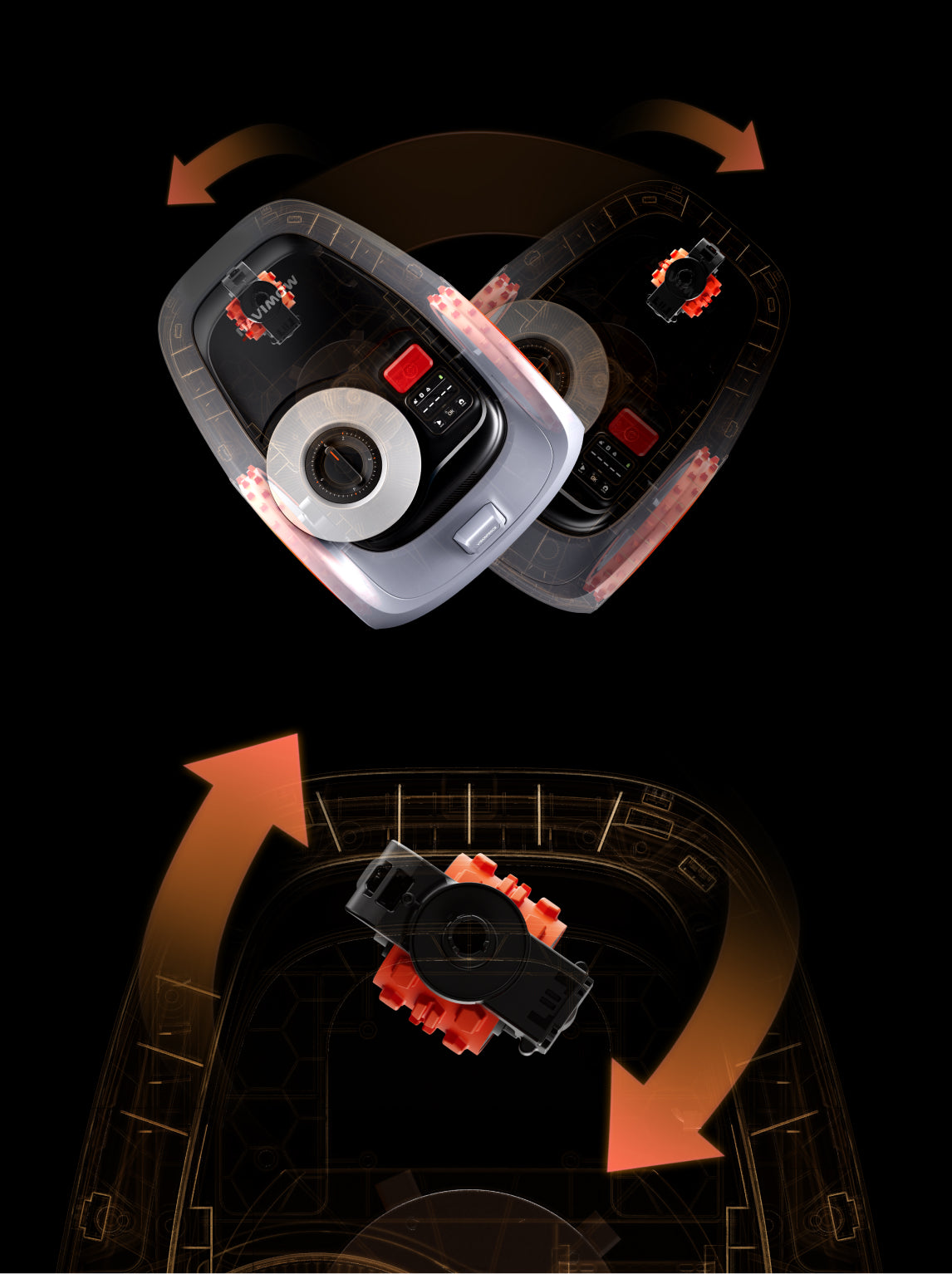
Navimow lawn mowers mow your lawn according to the schedule and automatically return to the charging station after completing the task or when the battery is low. But if your robot lawn mower is not returning to the charging station, it indicates a problem.
Let’s see the common reasons why Navimow mowers do not return to their charging stations. It will help you figure out the root cause. We will also share some effective solutions you can try to fix the issue without any hassle.
Why Your Navimow is Not Returning to the Charging Station?
Obstructions
The most common reason is the obstructions near the charging station. If there are any stones, twigs, toys, water hoses, sprinklers, or anything else, it could stop the mower from returning to the charging station.
Once the mower detects any obstacle or obstruction in the way, it maintains a safe distance and reroutes in no time. So, if there is anything in front of the charging station, it will block the mower’s way.

It’s not only about the common lawn objects. Even if there is a hanging branch from a flowerbed or weed, it could also prevent the mower from going to the charging station.
Old Firmware
Sometimes, the old firmware is the main culprit. If you have not updated the firmware, any problem could arise because of bugs and issues.
Navimow releases firmware updates on a regular basis. The recent update includes bug fixes.
Issue with Charging Station Location
The charging station has to be at the recommended location. Wherever you place it, make sure there are no obstacles around. The station needs 6.5ft obstacle clearance at the front and 1.6ft clearance on both sides. When the area is clear, the mower doesn’t have any issues going to the station.
Also, there should be no high walls, dense trees, or other structures within 6.6 feet of the charging station. It requires an open area to prevent signal blockage.
If you have recently changed the charging station’s location or moved it a bit, it could prevent the mower from returning.

Inaccurate Antenna Position
For RTK users, the placement of the antenna plays an important role. And people often make mistakes here.
When the antenna is not placed at the right location, the mower might not receive stable signals. Thus, it doesn’t know its accurate location in the lawn or where the charging station is.
The antenna should be in an open area. There should be no obstacles around. You need to avoid trees, walls, and roofs so that there is no blockage from any direction.

Dirty Charging Contacts
Dirty charging contacts affect the charging and navigation of the mower. If the contacts are dirty, then the mower might not return to the station.
Due to errors and issues in navigation, the mower does not know the exact position of the charging station. Therefore, it does not return.
Dirty Camera/LiDAR
Over time, dirt and grime accumulate on the camera lens and LiDAR sensor. When it happens, the mower could falsely detect obstacles.

Suppose your mower also has a dirty lens. While returning to the charging station, it might falsely detect obstacles and reroute.
Similarly, some Navimow mowers have a LiDAR sensor. Its field of view is also affected by dust and other particles accumulated on it.
The mower won’t return to the charging station unless you clean the lens or LiDAR sensor.
Low Charge
If the battery is critically low, the robot mower might not be able to return to the charging station.
Normally, the mower knows about the battery status. It returns to the station before the battery dies.
But when there is an issue with the navigation, battery, or anything else, the mower will not return to the charging station on time. The battery will die in the middle, and the mower will automatically shut down during the return process.
How to Fix Navimow Not Returning to the Charging Station?
Inspect and Clear the Area
The first thing you need to do is inspect the area around the charging station. Look for stones, twigs, hanging branches, toys, etc.
If there is any obstruction, get rid of it. Clean the area thoroughly and make sure the area near the charging station has no obstacles.
Even if there are weeds and long grass, get rid of them. The area should be obstruction-free so that the mower can easily go to the charging station.

Restart the Mower
Sometimes, there is a minor error or issue that will go away if you restart the mower. It might solve the problem.
Also, restart the mobile application. Close it and try a new mowing cycle. This time, the mower might return to the charging station.
Secondly, if there is a new app version available, update the app. You can check for updates on the Play Store or App Store.
Update the Firmware
You should regularly update the mower’s firmware. It plays an important role in the mower’s performance.
Before updating the firmware, put the mower on the charging station. Make sure the battery is more than 20%, and there is no mowing schedule in the next hour.
Go to Settings > Mower > Device Management > Firmware version. You can update the firmware if a new version is available.
Improve Charging Station Location
Select a suitable location for the charging station. Look for a plain and even surface. Avoid inclines as the mower requires a clear line of sight to the charging contacts.
The surrounding area of the station should be clear. The front area should have no obstructions within 6.5ft. Similarly, it requires 1.6ft clearance on the left and right sides of the station.

Improve Antenna Location
If you are using the antenna, you have to place it at a suitable location in the lawn. Because when the antenna is not placed correctly, the mower is unable to know its accurate position in the lawn.
Place the antenna in an open area. There should be no wall, tree, fence, or any structure within a 6.6-foot radius. It is mandatory for better signal strength and coverage.
You can place the antenna in the middle of your lawn. If the lawn is small, you can also place it over the roof or wall. You have to ensure no obstructions between the antenna and the sky.

Upgrade Wi-Fi/Internet
Without a stable internet connection, the mower won’t be able to perform as it should. It might miss some areas, mow the same area repeatedly, or fail to return to the charging station.
The mower requires a stable internet connection to load the lawn’s map properly. If it can’t load the map, it won’t know the mower’s location in the lawn.
If the signals are weak, you can upgrade the Wi-Fi router. You can also use a Wi-Fi extender to extend the signal to a wider area.
Clean Charging Contacts
Inspect the charging contacts. If there is any dirt, grime, or anything else, clean it properly.
Turn off the power supply first. Then, clean it with a brush or cloth. Do not use alcohol, gasoline, acetone, or any other liquid.
A simple cleaning brush is more than enough. Clean the contacts and check if the mower is returning to its charging station.

Clean the Camera/LiDAR
For accurate detection of obstacles, you should regularly clean the camera lens or LiDAR sensor. Any dust, grime, or grass clippings will block the view and cause false detection.
You can use a microfiber cloth to clean the lens area. Do it gently, as you only need to remove the dust. After that, the mower will be able to detect obstacles with excellent precision. If there is a LiDAR sensor on the mower, you should also clean it with a microfiber cloth. Do not use alcohol, gasoline, acetone, or any other liquid.
Still Facing the Issue? Contact Navimow Support
The above fixes will solve the issue in most cases. But if the issue is still there, you can contact Navimow support at "navimowsupport-us@rlm.segway.com."
Provide the following details:
- Serial Number (SN) of the mower
- The exact time and date when the issue occurred
- Whether the charging station’s location has been moved
- Relevant photos or videos showing the issue.
Final Words
Your Navimow robot lawn mowers should return to the charging station automatically after mowing. But if it is not doing so, the reason could be an obstruction, a GPS issue, unstable internet, outdated firmware, etc. We have shared almost all common reasons that will help you figure out the root cause in your scenario. Once you have figured out the cause, you can try the fixes we have shared. It will hopefully solve the issue, and the mower will return to the charging station after mowing. But if the issue still persists, you can contact Navimow support.